…Or, ten reasons why your copy editor needs medications (and how to make it all better). Now I am not making light of any medical conditions; to the contrary, I write of those peculiar afflictions faced by the editorial “personality type.” You know who you are. You can’t go into a restaurant without finding typos on the menu. You can’t watch the TV news crawl without having your skin crawl. You can’t read responses to articles online without wanting to post corrections. As a content creator, editor, former agency copy editor (and engineering/technical company editor), I may be a professional error-corrector, but I’m not bulletproof.*
Spell Check Re-Check
In most agencies, we live by deadlines. You write something, run it by a spell-and-grammar checker, and it’s good to go. But it never hurts to take another look. Spelling and grammar checkers are just as quirky as the humans who designed them. They miss errors, odd phrasings, and even incorrect usage. The spell checker in Word misses items like substituting “to much” for “too much.”
$Grammar Checker$
Grammar checking applications (like Grammarly) can be costly, and may be worthwhile if you have very text-heavy client projects… or projects where you need to scrupulously avoid any whiff of plagiarism. It all depends upon how much budget leeway there is in your firm. Unfortunately, free versions now tend to be watered down, and can be less effective than the one in Word: caveat editor.
Contraction infractions
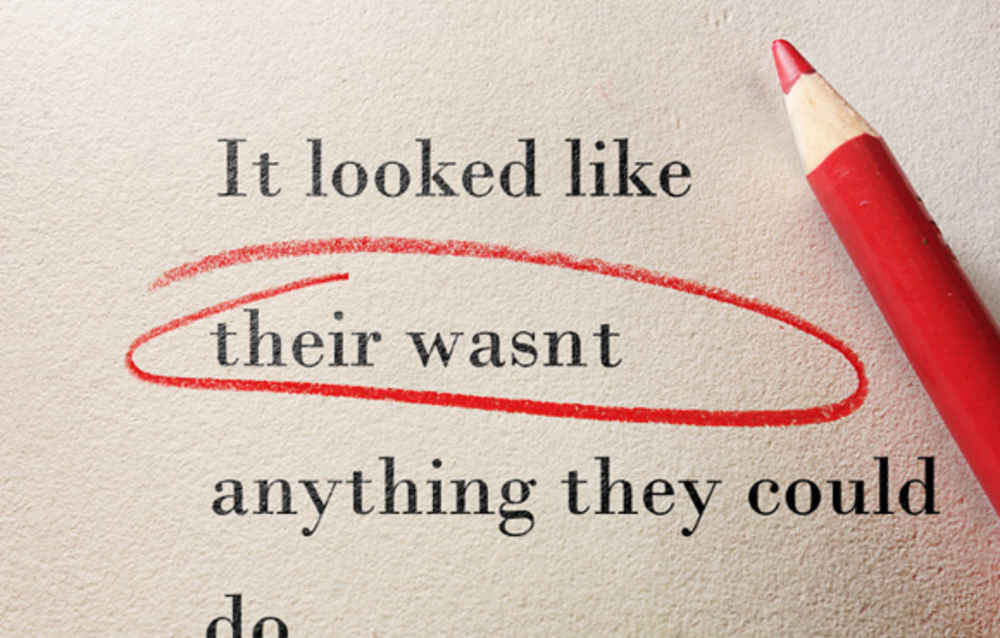
The incorrect use of contractions is now so widespread that errors can seem more common than correct use. Examples of the more intractable contraction infractions include: “Their/they’re/there”; “We’re/were/where”; “Your/you’re”. Tablets and smart phones make it easy to be incorrect, since users need to change modes to add punctuation (or expect their devices to do so automatically).
Tense about tenses
I am preternaturally tense about tenses. They seem to change and shift without warning. Past tense creeps into the present, 1995 seems like yesterday… oh, wait, that’s just the aging process. Seriously, the simplest way to keep tenses from becoming problematic is to keep everything in the present tense. Obviously if you are telling a story, or hearkening back to the days of yore, that changes everything.
Hearing voices
Like tenses, it is easy to slip from one voice into another. The passive voice can be more academic and detached. The active voice is more direct. In business writing, the active voice is preferred. In advertising, the active voice is all but mandatory (unless you are advertising to scholars and academicians). People have so little time and such infinitesimal attention spans, you must be direct.
Post-apostrophe-lyptic?
Please, please, please make sure you point your apostrophes in the right direction. My apologies if am preaching to the choir. But, when citing dates, Word can be a problem: It is not ‘85! It is ’85.
A CAPITAL IDEA!
USING ALL CAPITALS IN ANY KIND OF COMMUNICATION OTHER THAN A HEADLINE IS NOT A CAPITAL IDEA. Yes, Twitter’s CapsCop is aggressive, but mostly correct. If there are people in your agency who love to go all cap, all the time, help them learn to love large cap/small cap fonts. Then let them know that communicating in “caps lock n’load mode” is a good way to have people either ignore, or be annoyed, with you. The main reason to avoid all-caps is legibility; research shows people find upper-and-lowercase text easier to read.
A source is your source, of course [of course]
Your text looks perfect, there are no overt errors. You’d like to check it against the previous edits just to make sure. But where are those previous edits? Who has them? Make sure everyone keeps a digital trail, or even a paper trail. Project management systems make this easier, as you can load successive, dated versions of proofs… but does your agency do this?
Just dropped in to see what revision my edition was in
Just as important, keep your own files of edits and revisions. Each time you receive changes from the client, or make changes in process, mark those and mark the document as revised. File the old one separately so that the new does not mix with the old. Stranger things have happened. And check your edits against the source.
Things that make you go “hmm… better proof it again”
Not to be obsessive, but when you have that feeling, proof it again. Per the information above, when there is no source material, and you are seeing a document for the first time… proof the work very carefully. Check it again immediately before it goes to the client or is posted online. If you still have that itchy, I-missed-something feeling, ask a co-worker who has not previously read it to give it a final read. We catch lots of typos-in-headlines that way.
In lino veritas
Agency designers are integral in the editing process. They should become adept at checking for type rag problems, spacing issues, copy inconsistencies, missed markups/corrections, etc., prior to the next round of proofing. They should also question the copywriters and editors regarding things that seem “off” or incorrect. Just as every writer needs to think about how those words will look in design form, the designer needs to consider how well the words are working, and falling, within the parameters of the design.
*So, what did I miss?”
You’ve sent the article on, posted it online, the text is now in final form… but you’re still worried there may be something wrong. This is normal. You can fret, or you can read over the text one more time. As our Second Wind Content Developer Deb Budd states: “Taking an extra two minutes to reread your email before you click send, or review a blog comment before you post it, is not going to allow time for the Titanic to sink. Slow down and proof, then send.”
Or, you can go read a few articles online, and then read the responses, and call the doctor in the morning.


